
So, you finally gave in and decided to build a chatbot. Easy, right? Funny story: the first chatbot I ever launched kept calling users ‘Bob’—even if their name was Gloria. If your worst chatbot nightmare involves customers rage-typing in all caps at 2 AM, you’re not alone. In this post, we’re uncovering the side-splitting, eye-rolling, and occasionally embarrassing errors that even the best chatbot developers make. Plus, you’ll get practical tips to dodge these pitfalls, including the common chatbot development mistakes, and deliver a bot your users actually want to chat with.
Trying to Do It All: When Your Bot Wants to Be Superman (But Ends Up a Clown)
Avoiding Common Chatbot Development Mistakes
Let’s face it: in the world of chatbot development challenges, nothing spells disaster faster than a bot with an identity crisis. You want your bot to be helpful, but if you try to make it the Swiss Army Knife of digital assistants, you’ll end up with a tool that’s mostly just… a spoon. Overloading your chatbot with too many functions doesn’t just confuse your users—it confuses your bot, too. And trust me, a confused bot is only one step away from sending weather updates when someone asks for a refund.
Feature Overload: The Fast Track to Chaos
One of the most common chatbot mistakes is feature creep. Developers get excited (who wouldn’t?) and before you know it, your simple support bot is also offering product recommendations, weather forecasts, and—wait for it—relationship advice. True story: a retail chatbot tried to juggle all these roles at once. The result? Customers got breakup tips when they just wanted to track their package. Oops.
“A chatbot with too many hats ends up dropping them all.” – Mike Chan, Conversational UI Expert
Why Simple Bots Win: The Data Doesn’t Lie
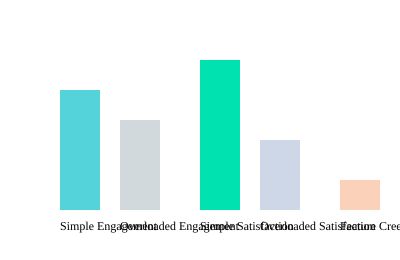
According to Digital Monk (2025), simple-focused chatbots see 27% higher engagement rates than their overloaded cousins. Focused bots also score 34% more positive feedback from users. And here’s the kicker: feature creep increases maintenance costs by a whopping 50%. So, not only does your bot look silly, but your budget takes a hit, too.
Actionable Advice: Set Clear Chatbot Goals & Build Gradually
- Start with a single, clear purpose. Want to help with FAQs? Stick to that. Don’t throw in a weather report for fun.
- Focus on core chatbot functionality. Nail the basics before adding bells and whistles.
- Scale features based on user feedback. If users beg for more, add carefully—one hat at a time.
Remember: a bot that tries to do it all often ends up doing nothing well. Keep it simple, keep it smart, and your users (and your bot) will thank you.
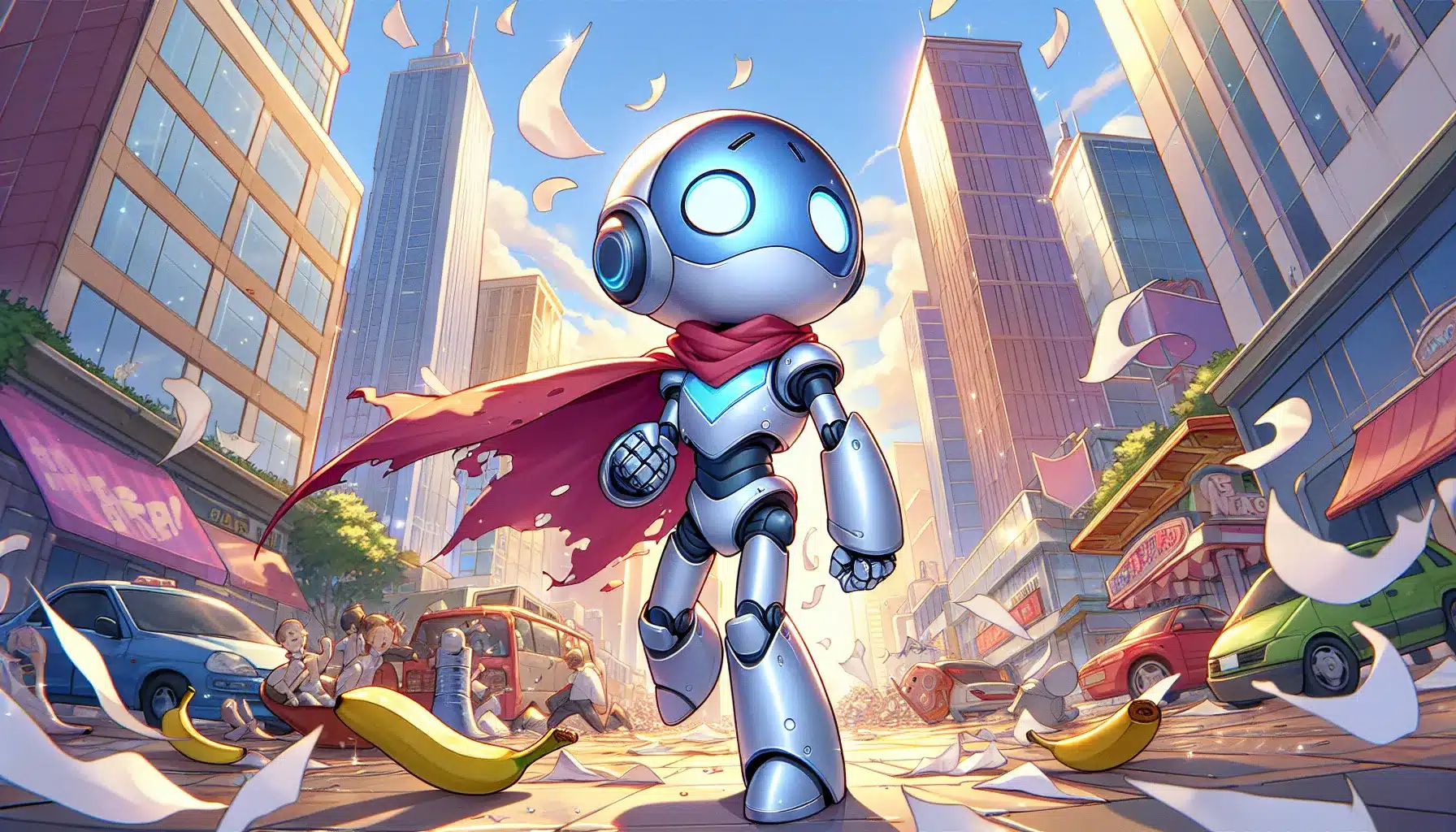
The Great Conversation Killer: Robotic Speech & Awkward Pauses
Let’s face it: nothing slams the brakes on a promising chatbot conversation faster than robotic speech and those cringe-worthy awkward pauses. If your bot sounds like it’s reading from a 1990s answering machine script, you’re not just killing the vibe—you’re sending users running for the hills. Improving conversational flow isn’t just a nice-to-have; it’s the difference between a delightful chat and a digital dead end.
Remember that infamous chatbot that answered every question with, “I’m sorry, Dave, I can’t do that”? Spoiler: users left…fast. As Priya Malhotra, NLP Engineer, puts it:
“Bots shouldn’t sound like they’re auditioning for 2001: A Space Odyssey.”
Why Scripted Bots Make Users Rage-quit
Bots that lack Natural Language Processing (NLP) skills sound stiff, inflexible, and—let’s be honest—downright frustrating. When your chatbot script is rigid, users feel like they’re talking to a wall. According to GeeksForGeeks (2023), script-only bots have a 44% higher drop-off rate than NLP-powered bots. Ouch.
Rigid-Scripted vs. AI-Powered Chatbot Conversations
| Feature | Rigid-Scripted Bot | AI-Powered (NLP) Bot |
|---|---|---|
| Response Style | Repetitive, robotic | Flexible, human-like |
| User Drop-off Rate | High (44% higher) | Low |
| Conversation Completion | Low | 31% more likely to resolve issues |
| Engagement | Painful | Enjoyable |
SVG Chart: Scripted vs. NLP Chatbot Performance

Conversational Flow Improvement: The Secret Sauce
- Blend scripted control with NLP-powered flexibility. Use scripts for structure, but let NLP handle the nuances.
- Test for awkward pauses. If your bot hesitates or repeats itself, users will notice—and bounce.
- Continuously refine your chatbot script. Monitor real conversations and update for more natural, engaging flow.
Don’t let your bot become the next “I’m sorry, Dave” meme. Improving conversational flow with NLP is your ticket to chatbot stardom—and fewer awkward silences.
User Experience Derailed: The Case of the Invisible Button & the Maze-Like Menu
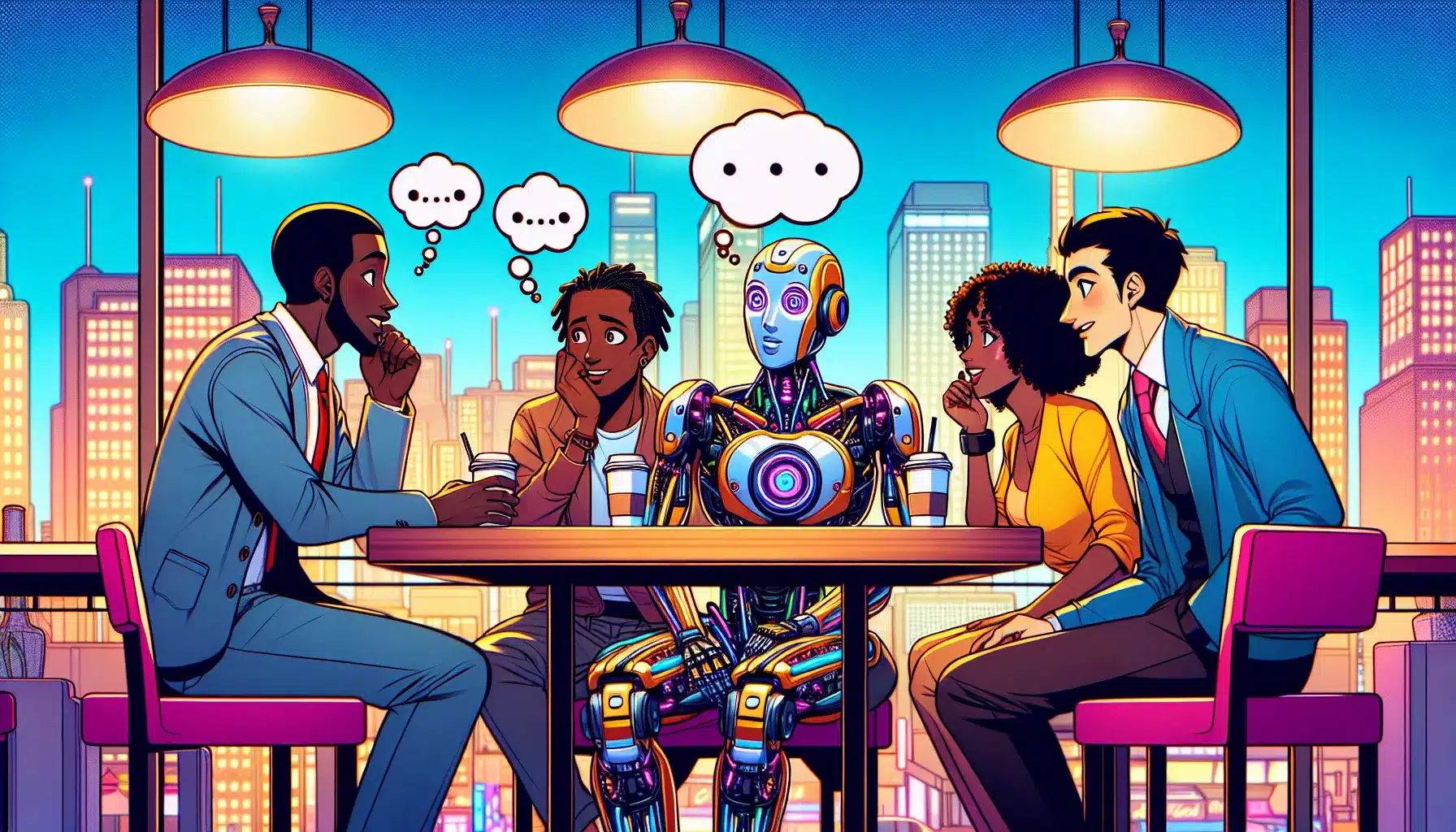
Let’s face it: nothing sends users running faster than a chatbot with user experience design errors. You know the type—where the “Help” button is playing hide-and-seek, and the menu feels like a labyrinth designed by a particularly mischievous minotaur. Bad chatbot user interface errors don’t just annoy users; they actively sabotage your customer experience and tank your chatbot usability stats.
Lost in the Interface: A Cautionary Tale
Story time! Picture this: a well-meaning developer launches a shiny new bot. But there’s a catch—the crucial “Continue” button only appears after a mysterious 30-second delay. Spoiler alert: nobody stuck around to see it. Users bailed faster than you can say “Where’s the button?” This is a textbook example of chatbot usability gone wrong. If your users feel ignored or lost, they’ll abandon ship without a second thought.
What the Numbers Say
Don’t just take our word for it. According to Certainly.io (2024):
| Stat | Insight |
|---|---|
| 70% | of users quit a chatbot with an unclear interface |
| 41% | higher task completion rates for bots with multi-choice & free-text input |
That’s right—if your interface is confusing, you’re losing seven out of ten users before the conversation even gets started. And if you limit users to just one way of interacting, you’re missing out on a huge boost in completion rates.
Common Grievances: Straight from the Users
- Invisible or delayed buttons (“Is this a test of my patience?”)
- Menus that require a GPS to navigate
- Only one way to respond (“Sorry, I only understand ‘Yes’ or ‘No’…”)
- Unclear prompts or missing guidance
Pro Tip: Keep It Simple, Keep It Obvious
Want to avoid these user experience design errors? Create simple, intuitive interfaces with visible prompts and options. Offer both multiple-choice buttons and free-text input to maximize customer experience and chatbot usability. Remember, as Steve Jobs said:
“Design is not just what it looks like and feels like. Design is how it works.”
So, make sure your chatbot works for your users—not against them!

Testing? What Testing? When Your Bot’s Only Test Is Your Mom
Let’s be honest: if your entire testing in chatbot development strategy is “Mom, can you try this and see if it works?”, you’re basically inviting chaos to your launch party. Insufficient testing is the express lane to spectacularly public chatbot fails. (Yes, we’ve all been there, and no, your mom’s polite “It’s nice, dear!” doesn’t count as QA.)
Why Chatbot Testing Importance Can’t Be Overstated
Here’s a fun fact: according to Calabrio (2024), untested bots receive 38% more user complaints than their thoroughly tested cousins. That’s a lot of angry emails and one-star reviews you could easily avoid. As Samira Bakshi, QA Lead, wisely puts it:
“Test early, test often, avoid public humiliation.”
Thorough testing is non-negotiable if you want a smooth launch and strong user adoption. Skipping it is like sending your bot out in pajamas—everyone will notice.
Personal Anecdote: The Infinite Greeting Loop
Picture this: my friend’s bot, eager to help, greeted users with “Hello, how can I help?”—over and over and over. Users got stuck in a never-ending spiral of politeness. Beta testing (with actual humans, not just family) would have caught this conversational Bermuda Triangle before launch.
Wild Card: Real-World Chatbot Bugs That Slipped Through
- Bot mistaking “pineapple” for a user’s name (“Hello, Pineapple! How can I help?”)
- Weather bot giving stock prices instead of forecasts
- Order bot responding to “Cancel my order” with “Order confirmed!”
These are not urban legends—they happened because someone skipped proper chatbot maintenance and testing.
Actionable Advice: How to Test Like a Pro
- Alpha/Beta Testing: Run your bot through internal (alpha) and external (beta) testers. The more, the merrier.
- User Feedback Loops: Collect and act on real user feedback. Iterate, improve, repeat.
- Automated & Manual Testing: Use both to catch logic bugs and weird edge cases.
| Testing Approach | Launch-Day Bugs | User Complaints |
|---|---|---|
| Untested Bots | High | 38% More |
| Iterative User Testing | 62% Fewer | Low |
Remember: testing before deployment is critical to spot flaws before your users do. Your mom will thank you—and so will your users.
Personalization Fails: Why Your Bot Shouldn’t Treat Everyone Like a ‘Dear Valued Customer’
Let’s face it: nothing kills the vibe faster than a chatbot that greets you like a bland corporate memo. If your bot starts every conversation with “Dear Valued Customer,” you might as well replace it with a toaster—at least a toaster makes warm bread. Generic responses are the fastest way to make users feel unimportant, ignored, and, frankly, a little annoyed. That’s not exactly the customer experience you’re aiming for, is it?
Imagine, for a moment, you’re using a dating bot. You’re hoping for a little charm, maybe a spark, but instead, the bot says, “Hello, Dear Valued Customer, how may I assist you with your romantic endeavors today?” Yikes. Suddenly, you’re not just single—you’re single and slightly traumatized. This is why chatbot personalization isn’t just a nice-to-have; it’s a must-have for any bot that wants to be more than a digital paperweight.
Personalization is the secret sauce that transforms your chatbot from a faceless automaton into a helpful, memorable companion. By using user context—like names, preferences, and previous interactions—your bot can deliver tailored responses that actually make users feel seen. And the numbers don’t lie: according to Digital Monk (2025), personalized bots improve customer satisfaction by 29%. Even better, repeat usage jumps by 24% when users feel like the bot “gets” them. As Carlos Rivera, Product Designer, wisely puts it:
‘If you want your chatbot to be remembered, stop making users feel anonymous.’
So, how do you avoid the dreaded “Dear Valued Customer” trap? Start by designing your bot to remember user details and adapt its tone and suggestions accordingly. Regularly update your bot’s knowledge base and keep optimizing its AI to reflect changing customer preferences. This not only enhances chatbot functionality but also ensures your bot evolves with your users’ needs.
In the end, personalization isn’t just about fancy tech—it’s about making every user feel like they matter. Because when your chatbot treats people like individuals, you don’t just boost engagement and retention; you create experiences users actually want to come back to. And that’s a win for everyone—except, maybe, the toasters.
TL;DR: Don’t let your bot become an industry meme—avoid common chatbot development mistakes by focusing on user experience, keeping conversational flow human-like, and testing thoroughly. A dash of humor and empathy goes a long way toward building a bot users love.